How to install NVM on Windows
To install NVM on Windows:
-
Download the NVM installer from the official site.
infoUse the latest stable nvm release for maximum security and efficiency.
-
Unzip the
nvm-setup.ziparchive with Winrar, 7-zip, or other file archiver. -
Launch the
nvm-setup.exefile. -
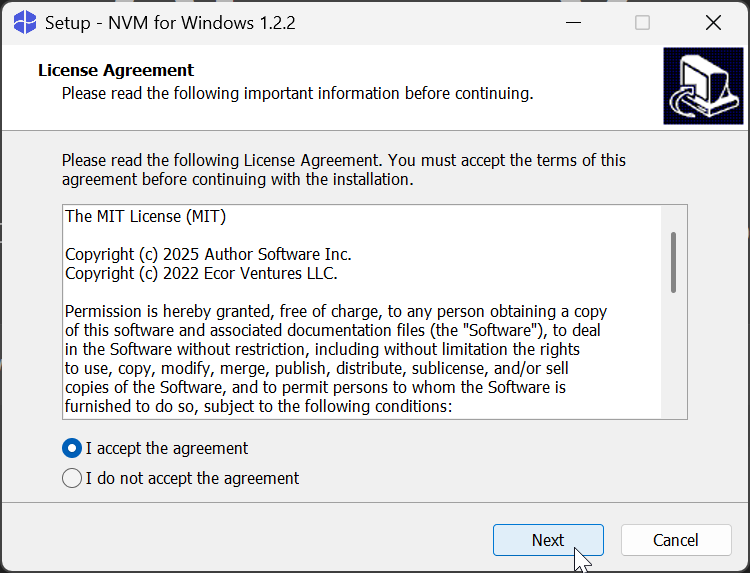
Read and accept the license agreement.
-
Click Next.
-
Select the destination folder for the installation. The default destination folder is
C:\Users\admin\AppData\Local\nvm. Click Browse to select a different destination.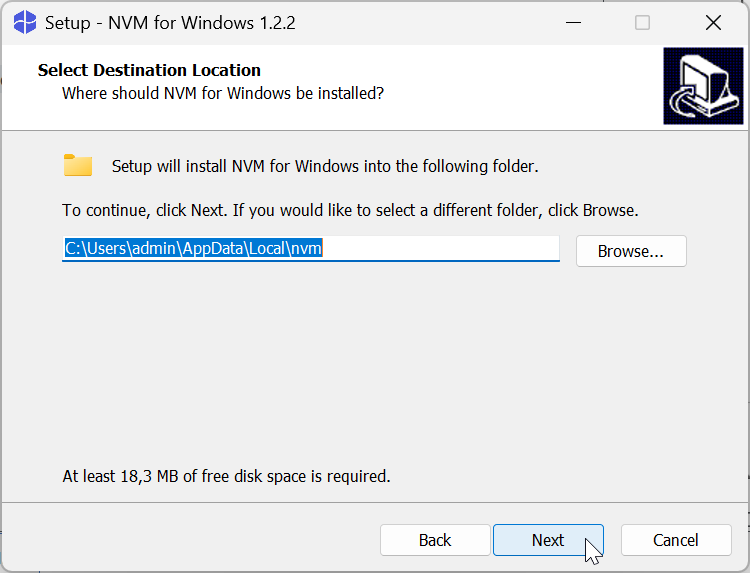
-
Click Next.
-
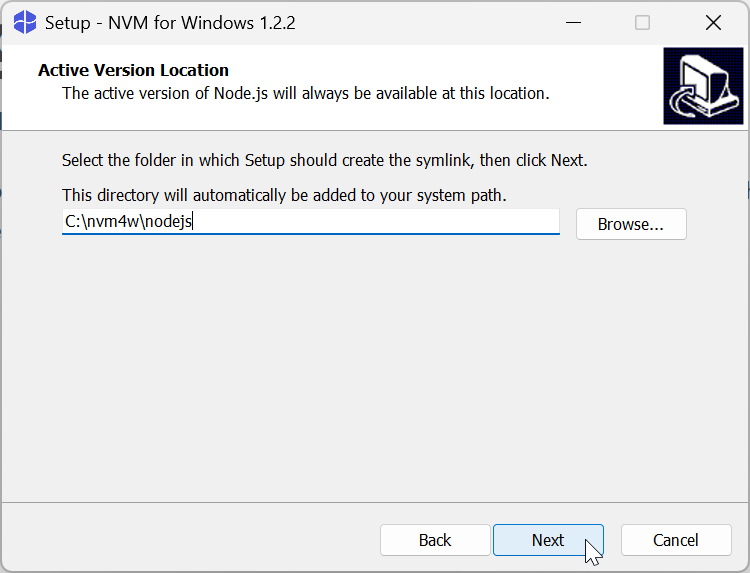
Select the symlink destination for Node.js.
-
Click Next.
-
Click Install.
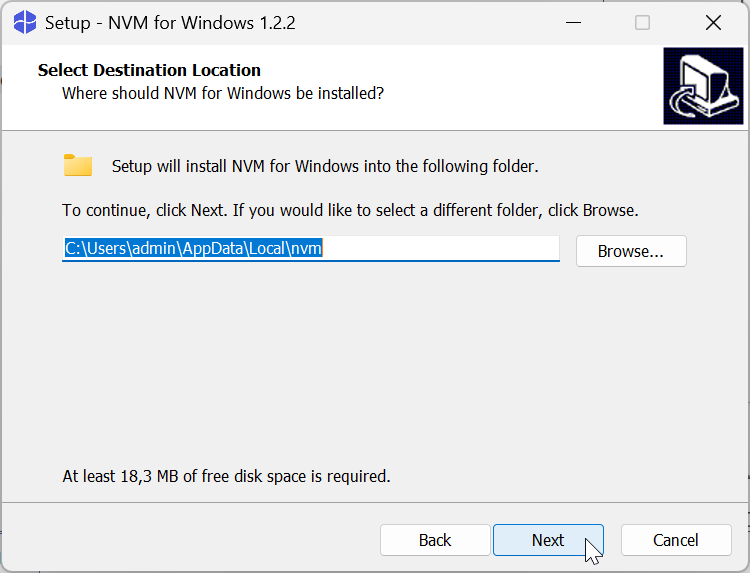
As a result, nvm is installed to your computer.
To check the nvm version, open CMD, Powershell, or other command line operator and run:
nvm --version
If the installation is successful, the nvm version is displayed in the terminal. For example, 1.2.2.